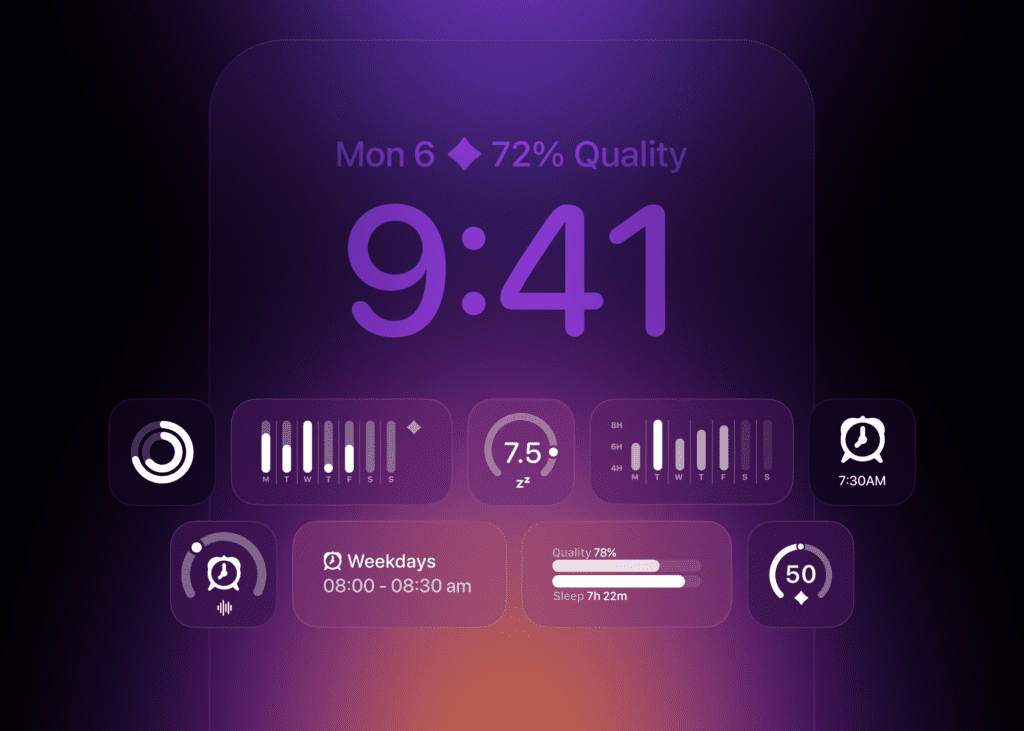

Pillow 6.5 introduces a whole new alarm system, built on iOS 26's AlarmKit: set your wake-up once, hear it every time, and manage it all right beside the sleep you already track.
The most reliable thing you can do for your sleep is also the least glamorous: wake up at the same time every day. A steady wake-up time anchors your body clock, and a steady body clock is what makes falling asleep easier, mornings gentler, and your energy more even through the day. The hard part was never knowing this. The hard part was doing it, night after night, without making the same small decision every single time.
Pillow 6.5 takes that decision off your plate. Built on iOS 26's new AlarmKit, recurring alarms let you set your wake-up once and let it run, reliably and in the background, right next to the sleep you already track.
Set It Once, Hear It Every Time
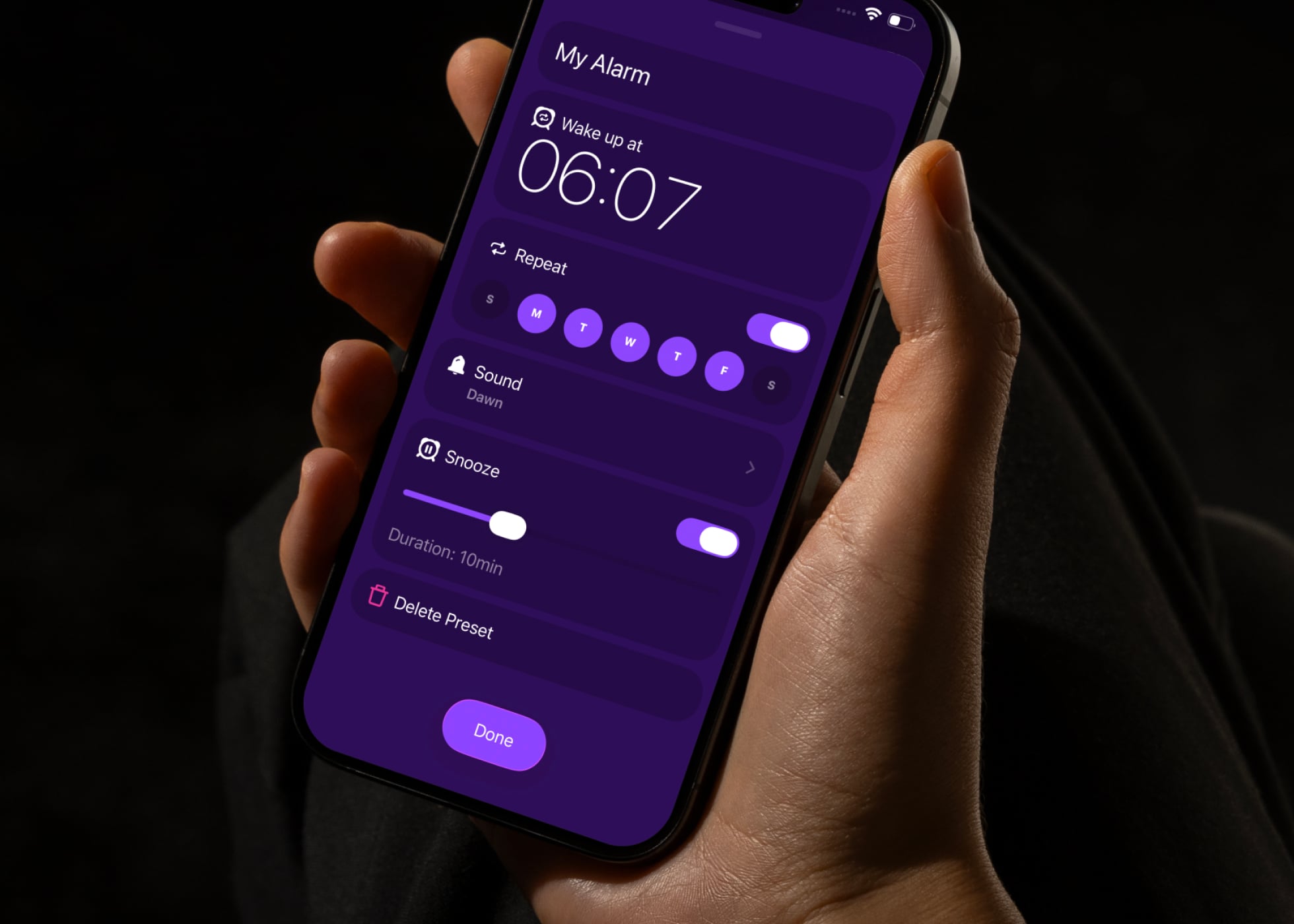
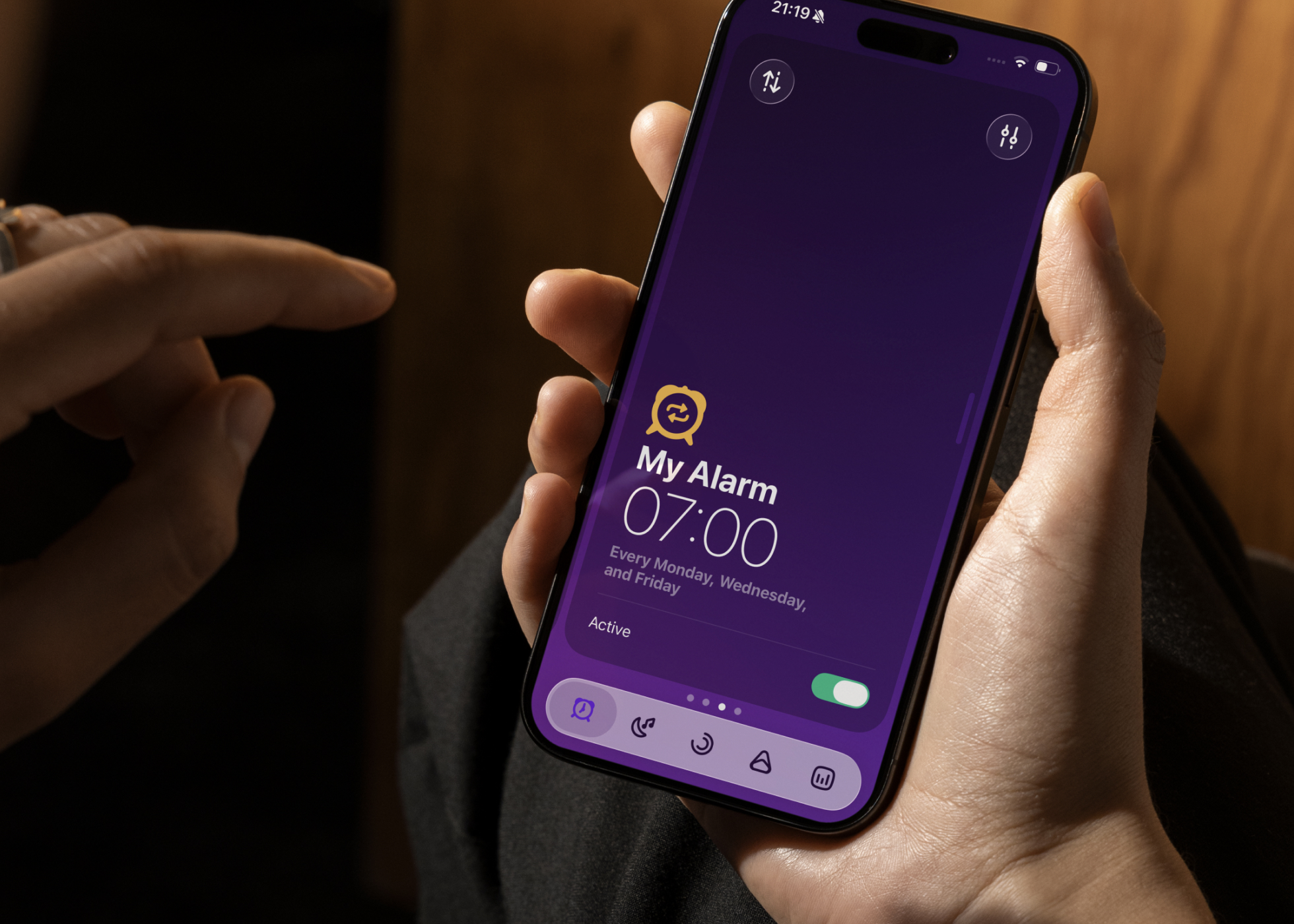
A recurring alarm in Pillow is a preset you create a single time. You choose which days it should repeat, so a 6:30 wake-up on weekdays and a slower 8:00 on weekends can live side by side without any nightly fuss, and you can keep as many presets as you like. From then on, the schedule simply happens.
This release also brings a wider range of alarm sounds, grouped by how hard they work to wake you: Subtle for lighter sleepers who don't want a jolt, Moderate for most mornings, and Loud for heavy sleepers who need something impossible to ignore. And when it is time to snooze, Pillow uses a Live Activity right on your Lock Screen, so putting the day off for nine more minutes is a single tap away. If you wear an Apple Watch, the alarm rings on your wrist as well, and you can snooze or stop it right there, without reaching for your phone.
The Only Alarm You'll Need
An alarm is only as good as its worst morning, so this one is built to be dependable. Pillow's recurring alarms break through every Focus mode, and they still go off even if your iPhone restarts overnight. It is the kind of reliability that lets you actually trust the alarm and stop half-waking to check that it is set.
It isn't only for repeating schedules, either. You can just as easily set a one-off alarm for an early flight or a single meeting, which means Pillow can comfortably take the place of your Clock app, then go a step further by keeping your alarms and your sleep in one place instead of two.
Because it is woven into iOS 26, you can also set and manage alarms hands-free with Siri and the Shortcuts app, recurring presets included, so a quick "wake me at seven on weekdays" is all it takes.
And with Pillow you can create as many alarm presets as you want!
Scheduled or Manual, Whichever Fits
Not every night looks the same, so Pillow includes a short "Which one is best for me?" guide to help you choose. A Scheduled Alarm is the effortless option for consistent routines, while Manual Tracking presets are still here in full, giving you Pillow's complete set of sleep-tracking features for the nights you want the deeper picture. Neither replaces the other. You simply pick what fits, and change your mind whenever life does.
Why a Steady Wake-Up Is Worth It
Sleeping in to make up for a short night feels productive, but it mostly nudges your body clock later, which is why a long Sunday lie-in so often leads straight to a rough Monday. Protecting your wake-up time, even after a night that got away from you, tends to leave you feeling better across the whole day than chasing lost hours ever does.
That is easy to say and genuinely hard to live, especially if routines don't come naturally to you. For a lot of people, and this is a familiar story for anyone with ADHD, the answer was never more willpower. It was a better default. An alarm you set once and no longer have to think about removes a daily point of friction, and it keeps working on the days you don't have the energy to manage it yourself.
Wake Up on a Rhythm
A consistent wake-up time has always been the advice. Now it can be the default. Update to Pillow 6.5 on the App Store, set your schedule once, and let your mornings take care of themselves.
Frequently Asked Questions
Do I need iOS 26?
Yes. Recurring alarms are built on AlarmKit, which is part of iOS 26, so you will need your iPhone updated to the latest version.
Is this included in my subscription?
Recurring alarms are part of Pillow Premium. If you are not subscribed yet, you can start a free trial and try them for yourself.
Will the alarm still go off if I have a Focus turned on?
Yes. Pillow's alarms are designed to break through Focus modes, and they will even fire if your iPhone restarts overnight, so you never have to wonder whether the alarm will actually sound.
Can I still use Pillow's full sleep tracking?
Absolutely. Manual Tracking presets remain available and unlock Pillow's complete feature set, whenever you want the fuller picture of your night.
Can I set a one-time alarm, not just a recurring one?
Yes. You can create one-off alarms as well as repeating schedules, so Pillow can fully replace your Clock app.
Can I set alarms with Siri?
Yes. You can create and manage alarms, recurring presets included, using Siri and the Shortcuts app.
Does it work with my Apple Watch?
Yes. If your Apple Watch is paired, the alarm sounds on your wrist as well, and you can snooze or stop it right from there.